Delete duplicate photos in one go
Sift spots near-identical shots and bursts right on your phone, picks the best one and clears the rest. Prefer another shot? Tap it to keep that one instead.
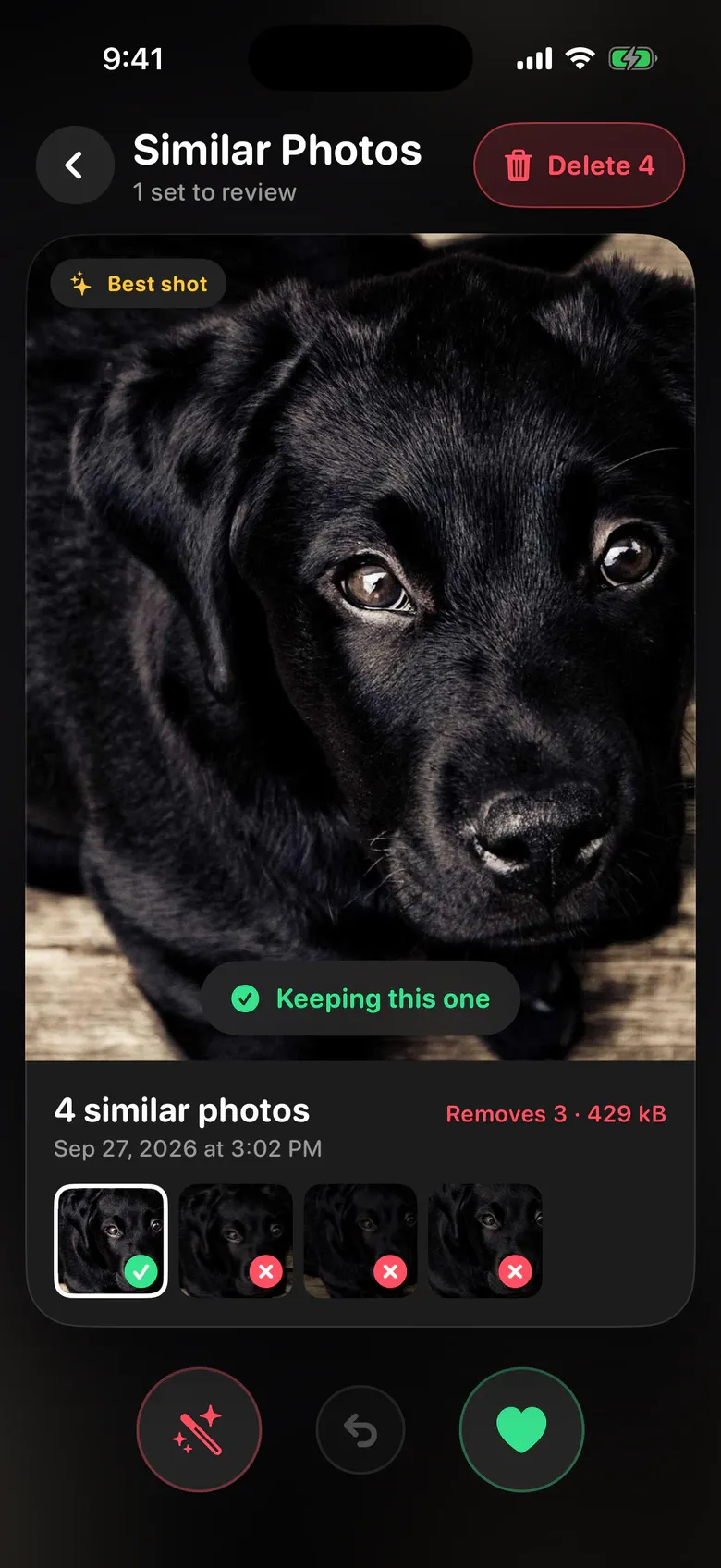
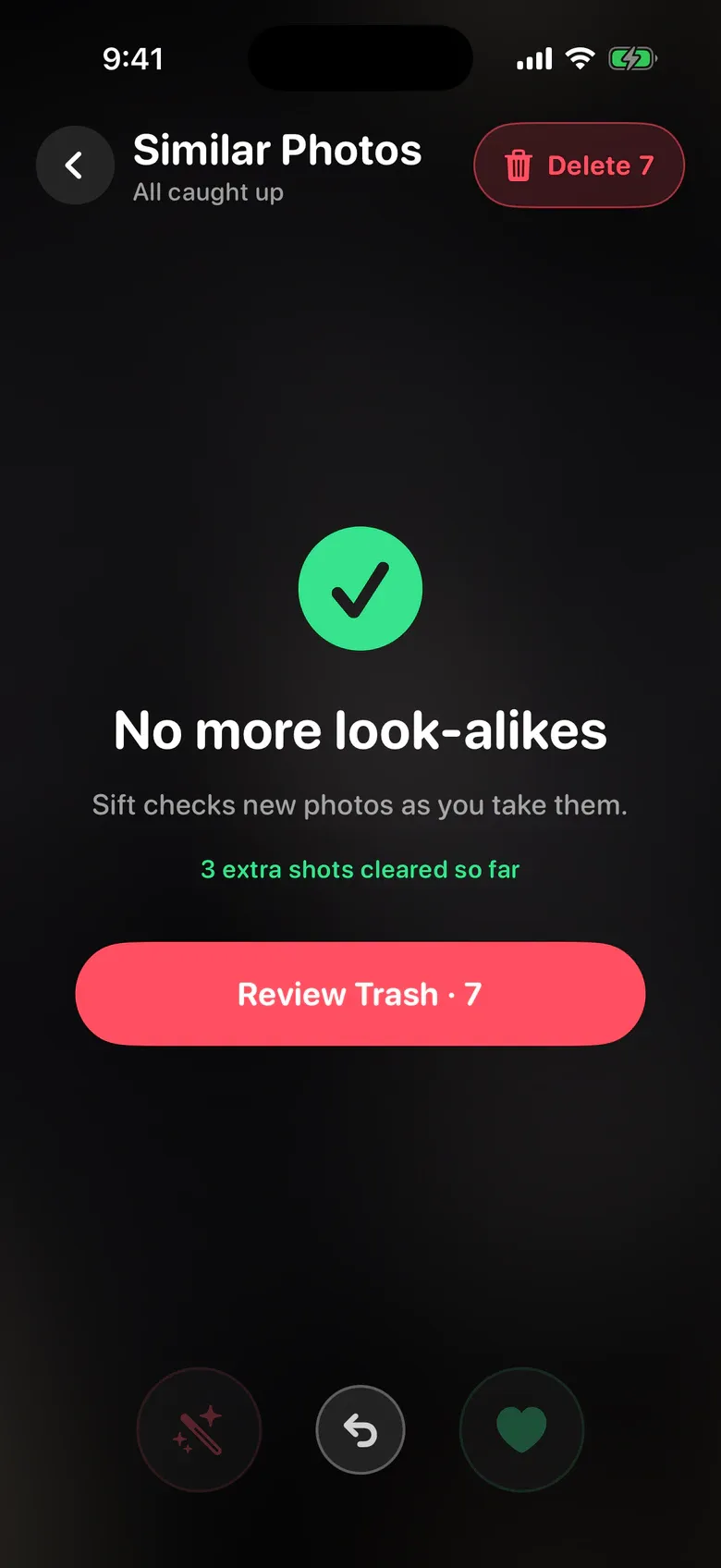
Photo and storage cleaner
Sift shows your photos and videos one at a time. Swipe left to delete, right to keep, and free up storage without endless scrolling.
 Coming soon onGoogle Play
For iPhone with iOS 17 or later. Android is coming soon.
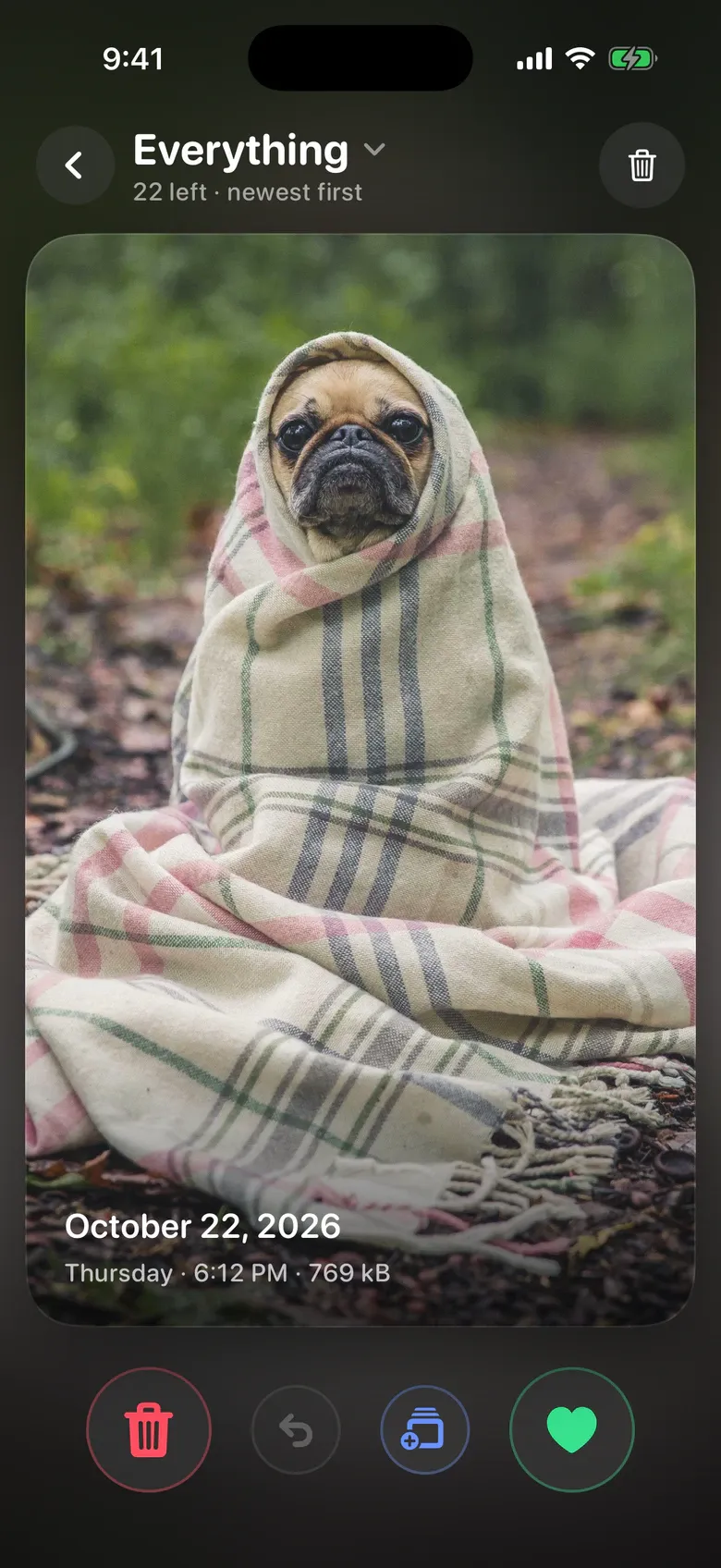
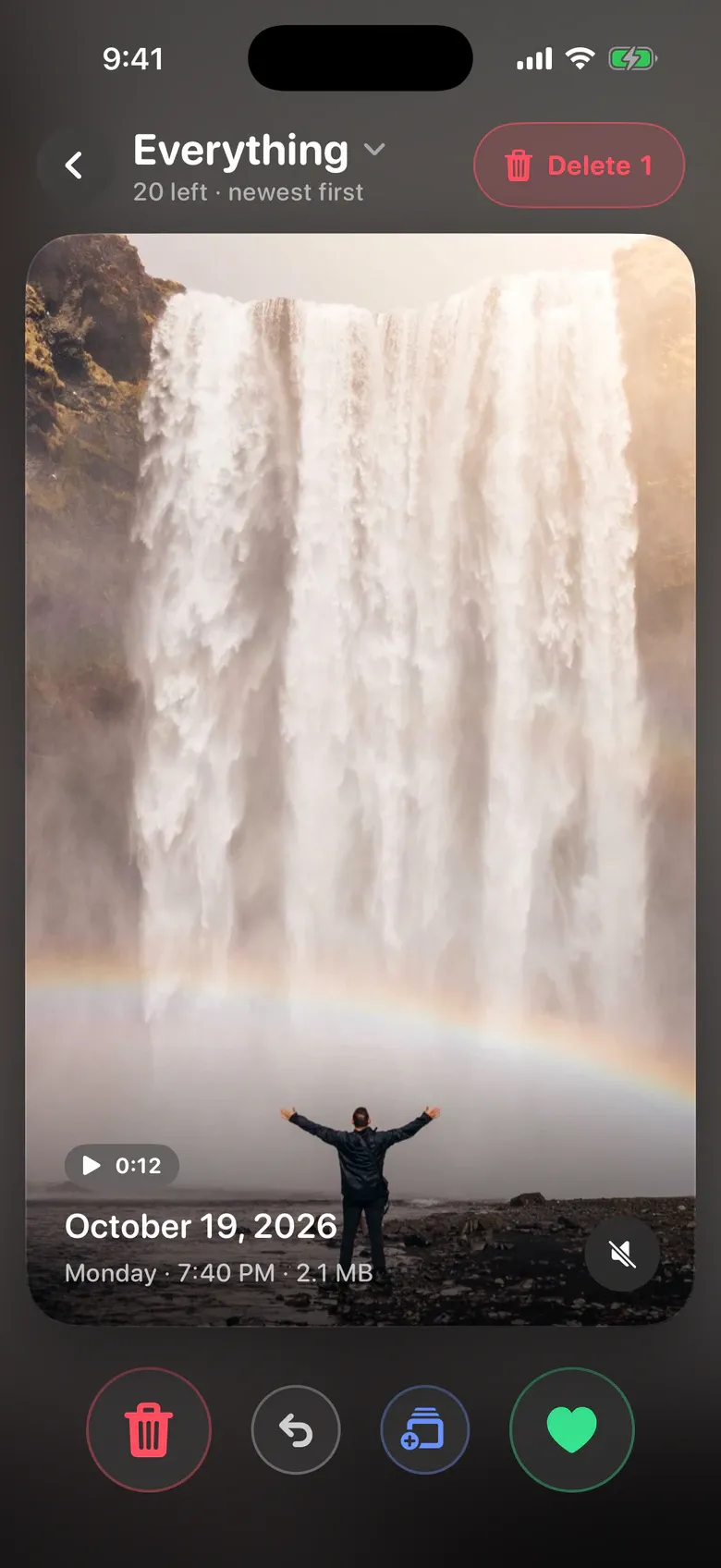
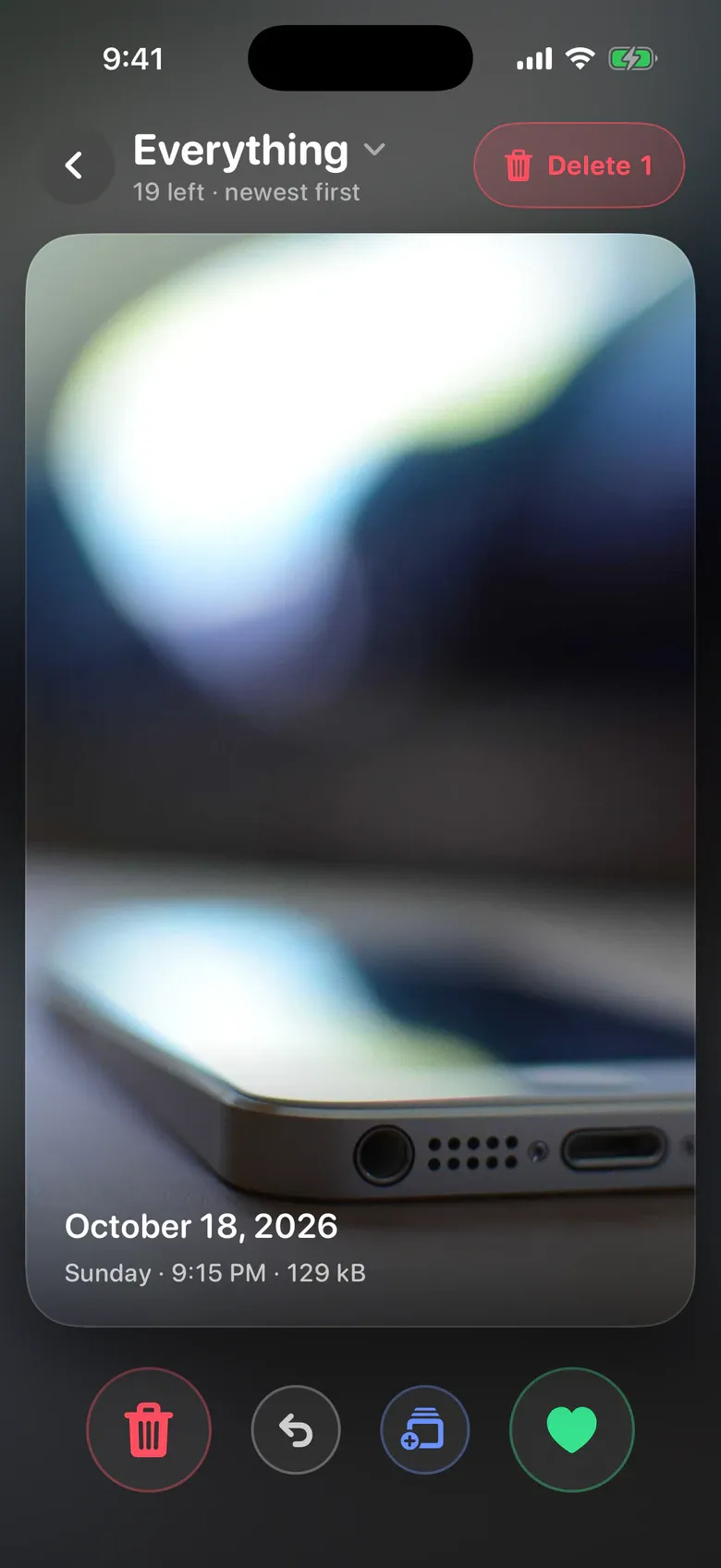
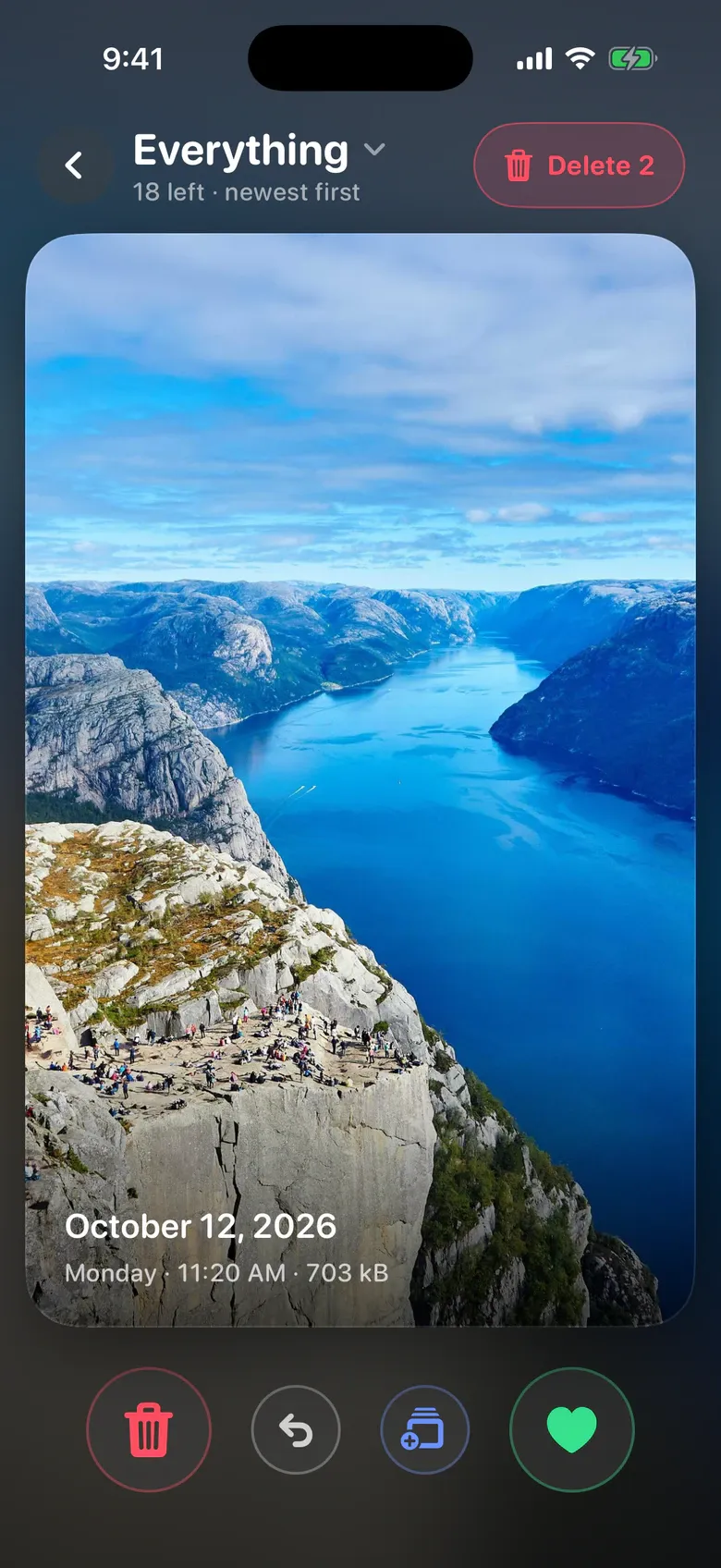
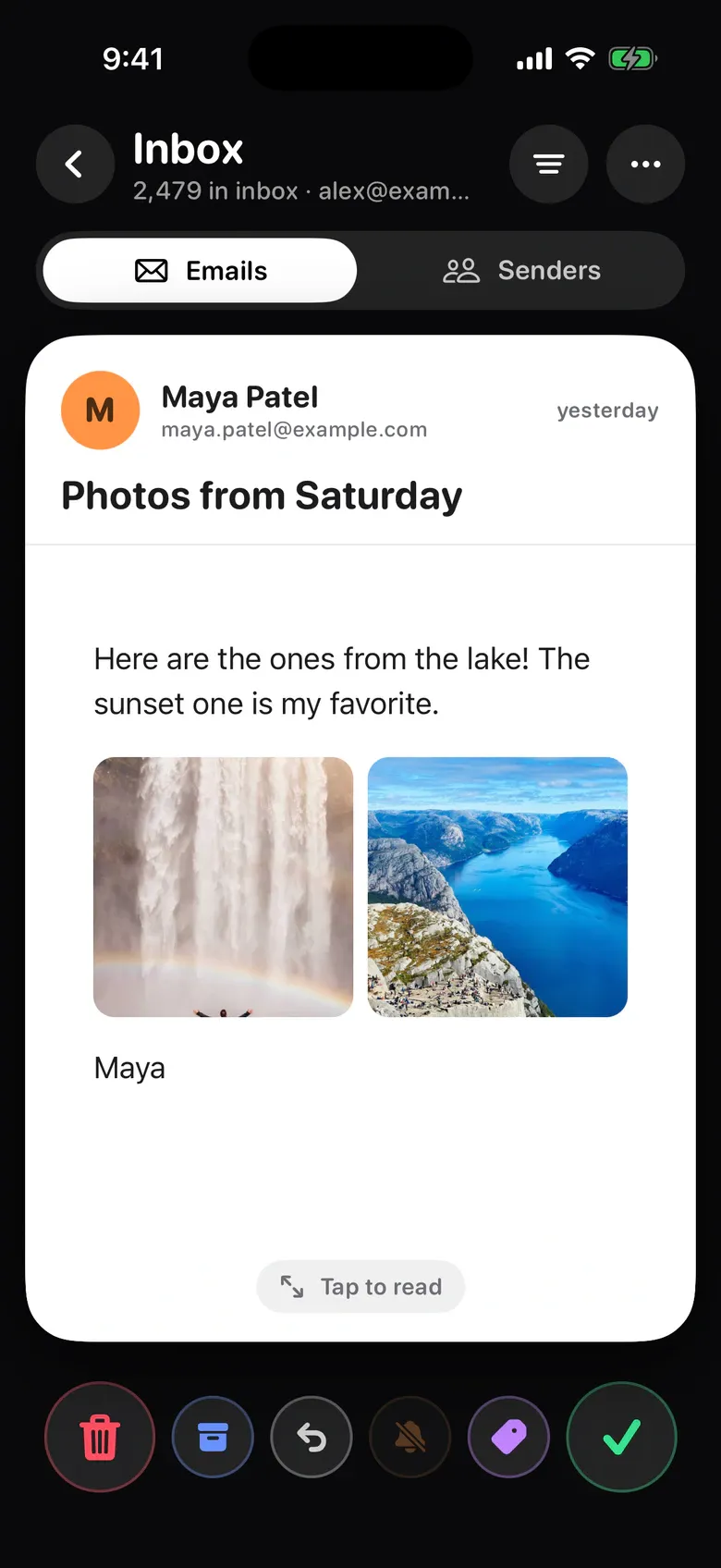
Left deletes, right keeps, up adds the photo to an album. Deleted photos wait in a trash tray until you empty it, then go to your phone’s own trash, so a wrong swipe is never final.
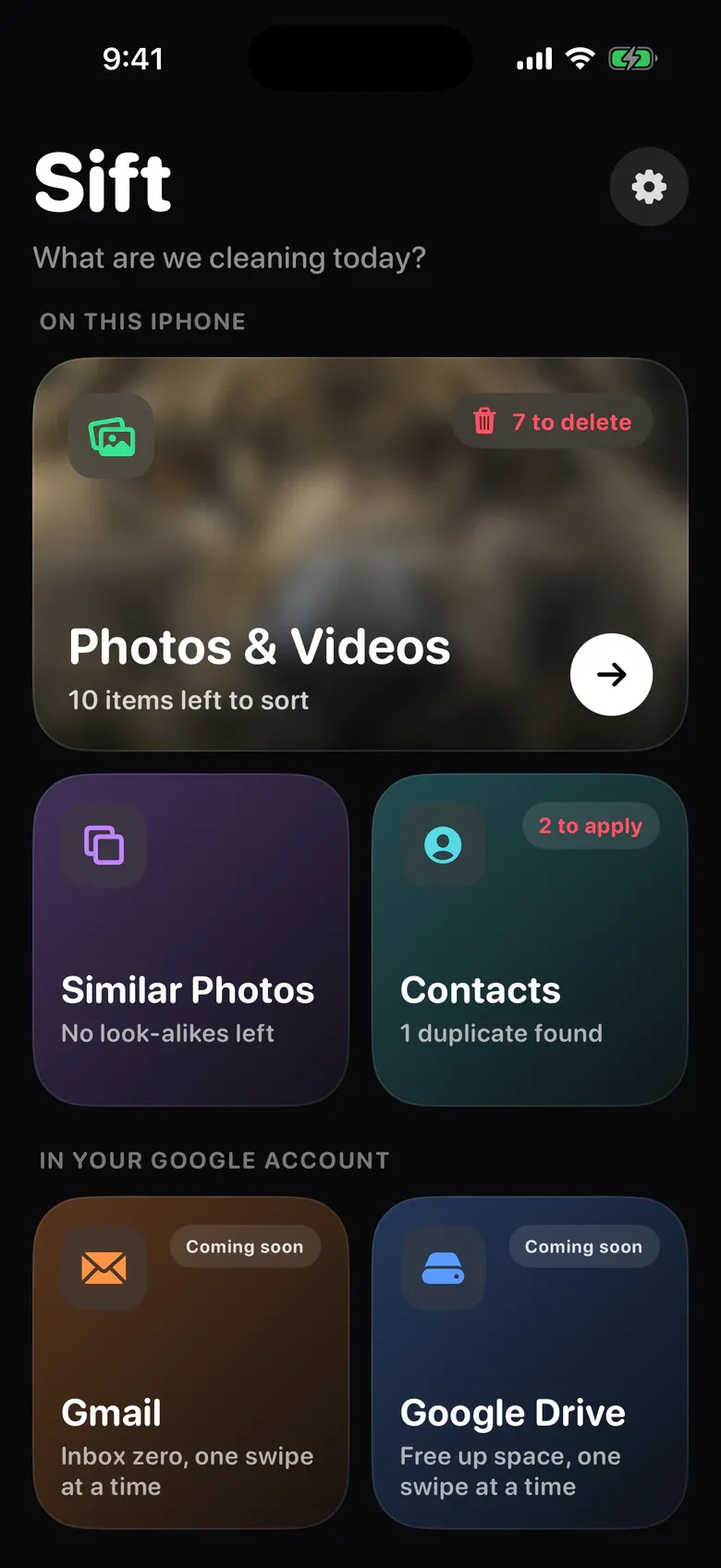
The same swipe clears look-alike shots, duplicate contacts, your inbox and your Drive.
Sift spots near-identical shots and bursts right on your phone, picks the best one and clears the rest. Prefer another shot? Tap it to keep that one instead.
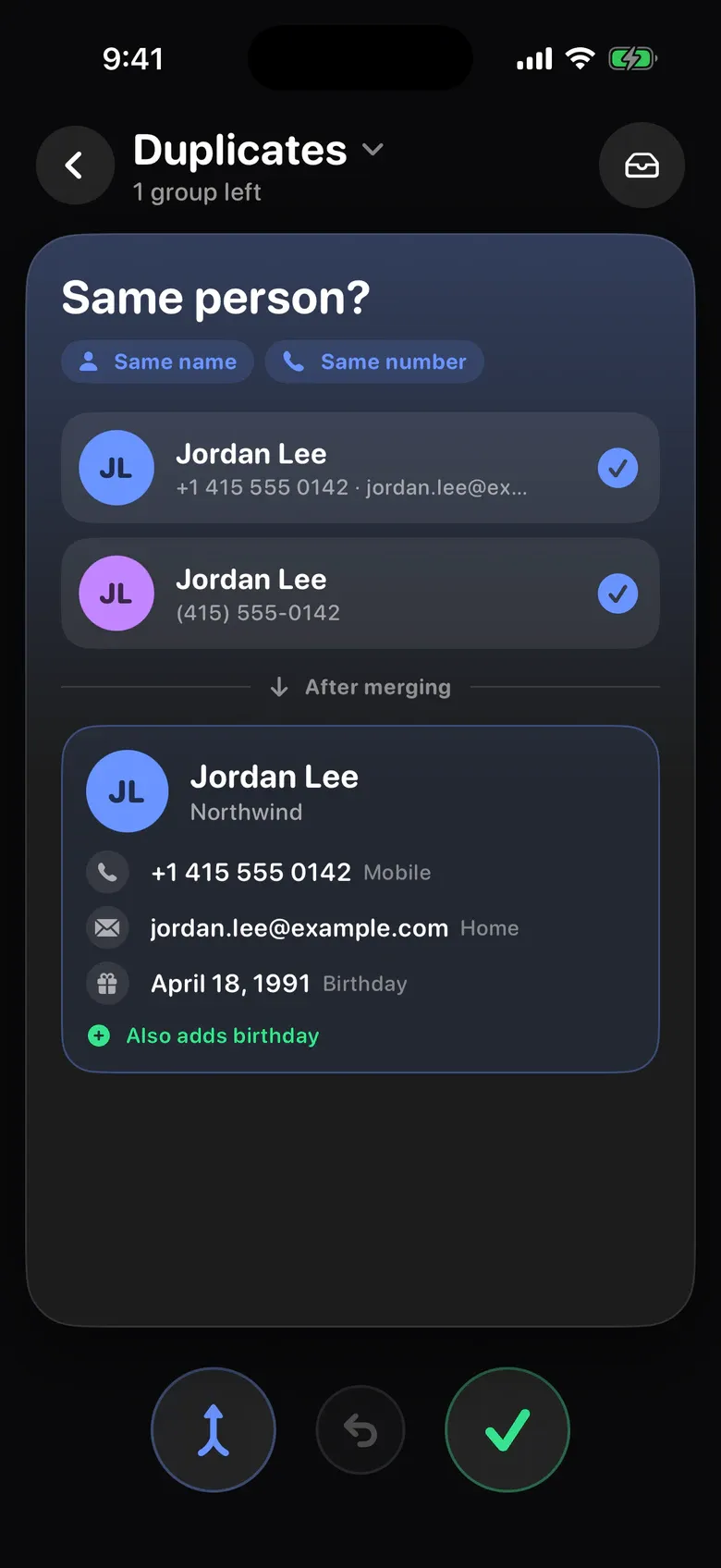
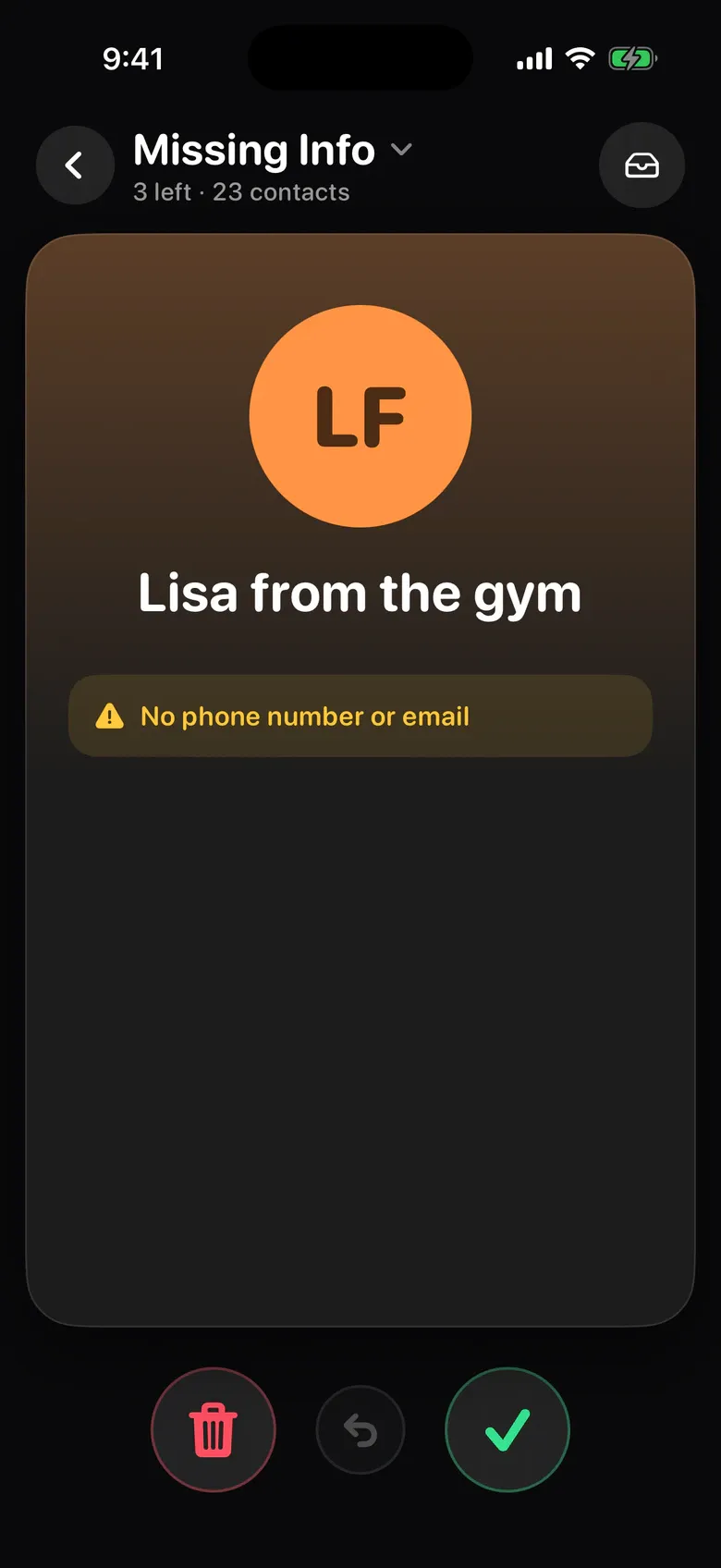
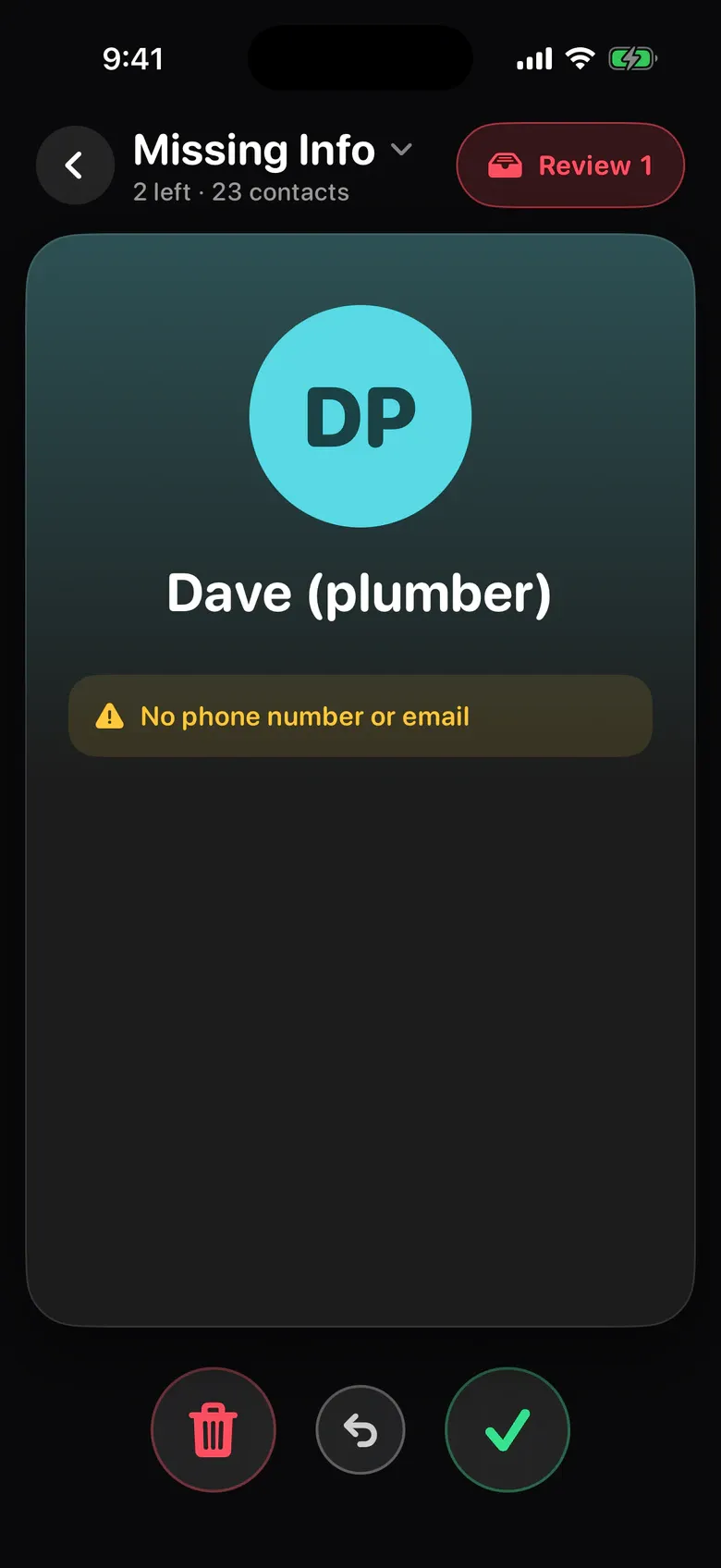
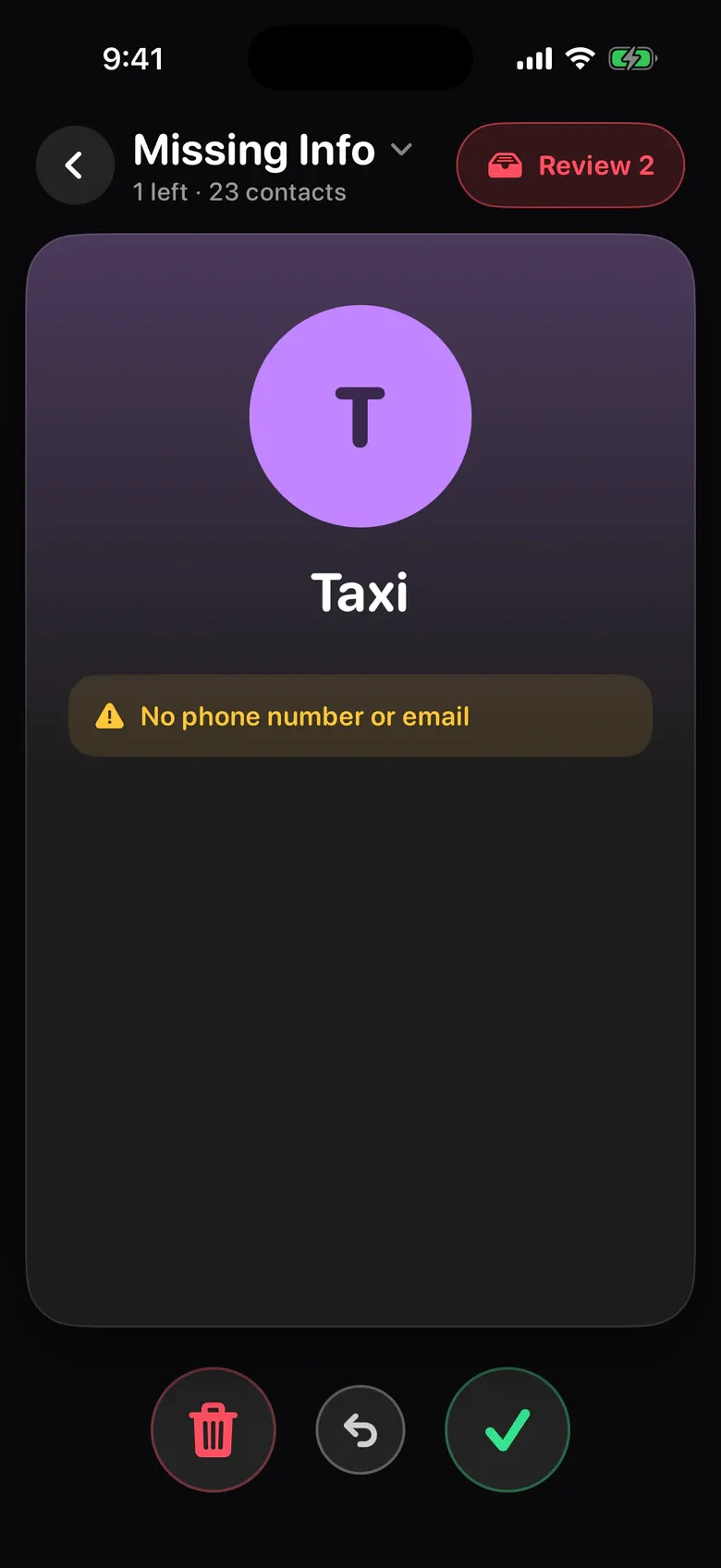
Sift finds people saved twice and shows exactly what the merged contact will look like. It also finds contacts with no number and no email. Nothing changes until you review and apply.
Trash, keep, archive or label emails with a swipe, unsubscribe from newsletters in one tap, and see which senders fill up your inbox.
Coming soon
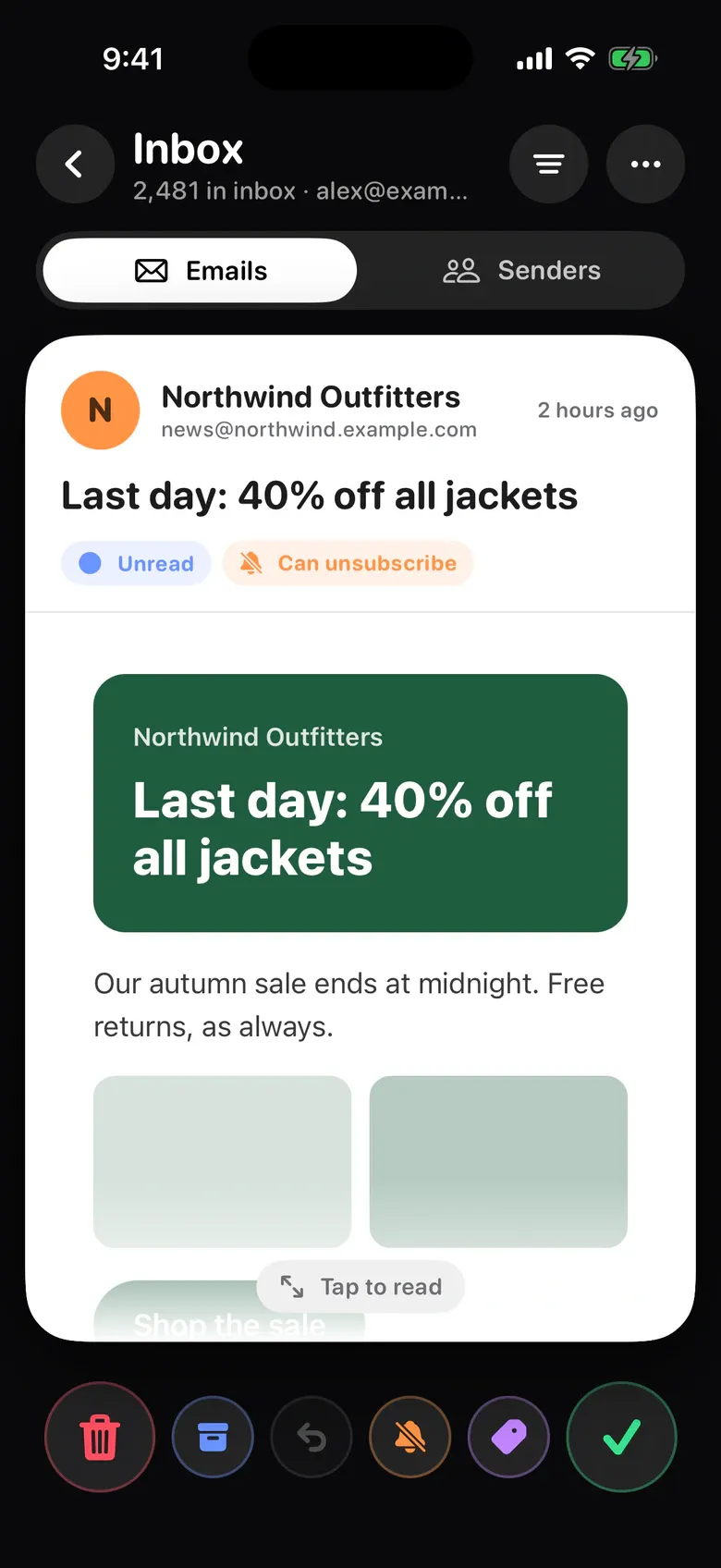

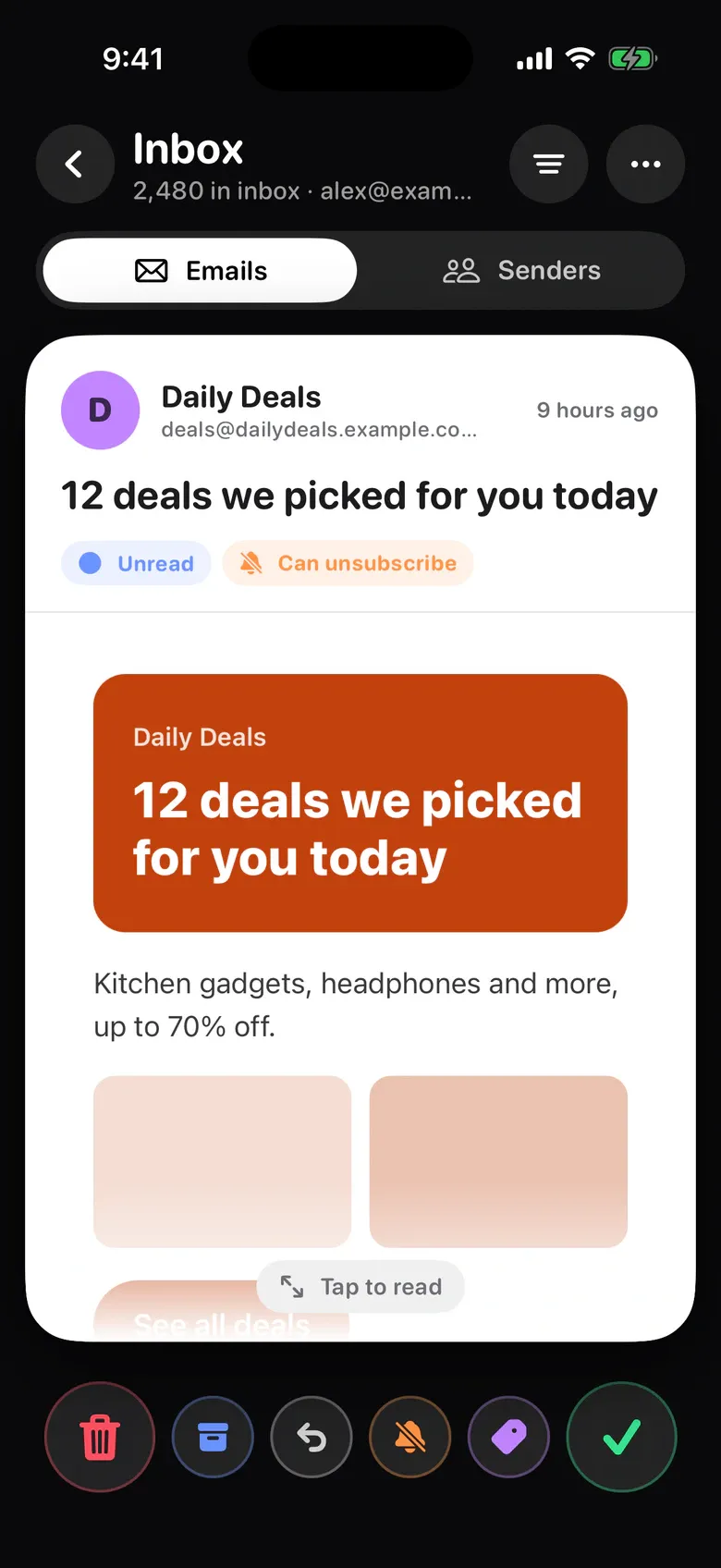
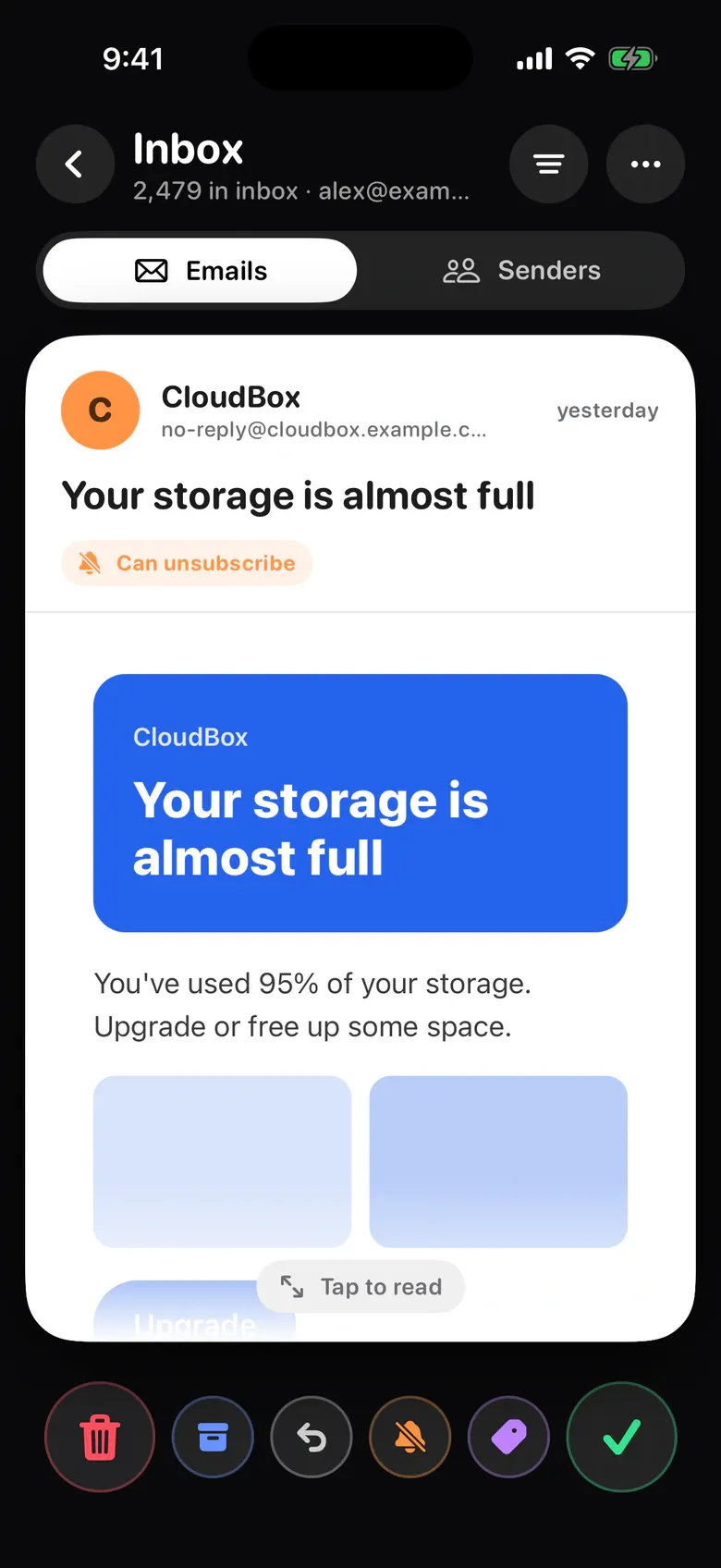
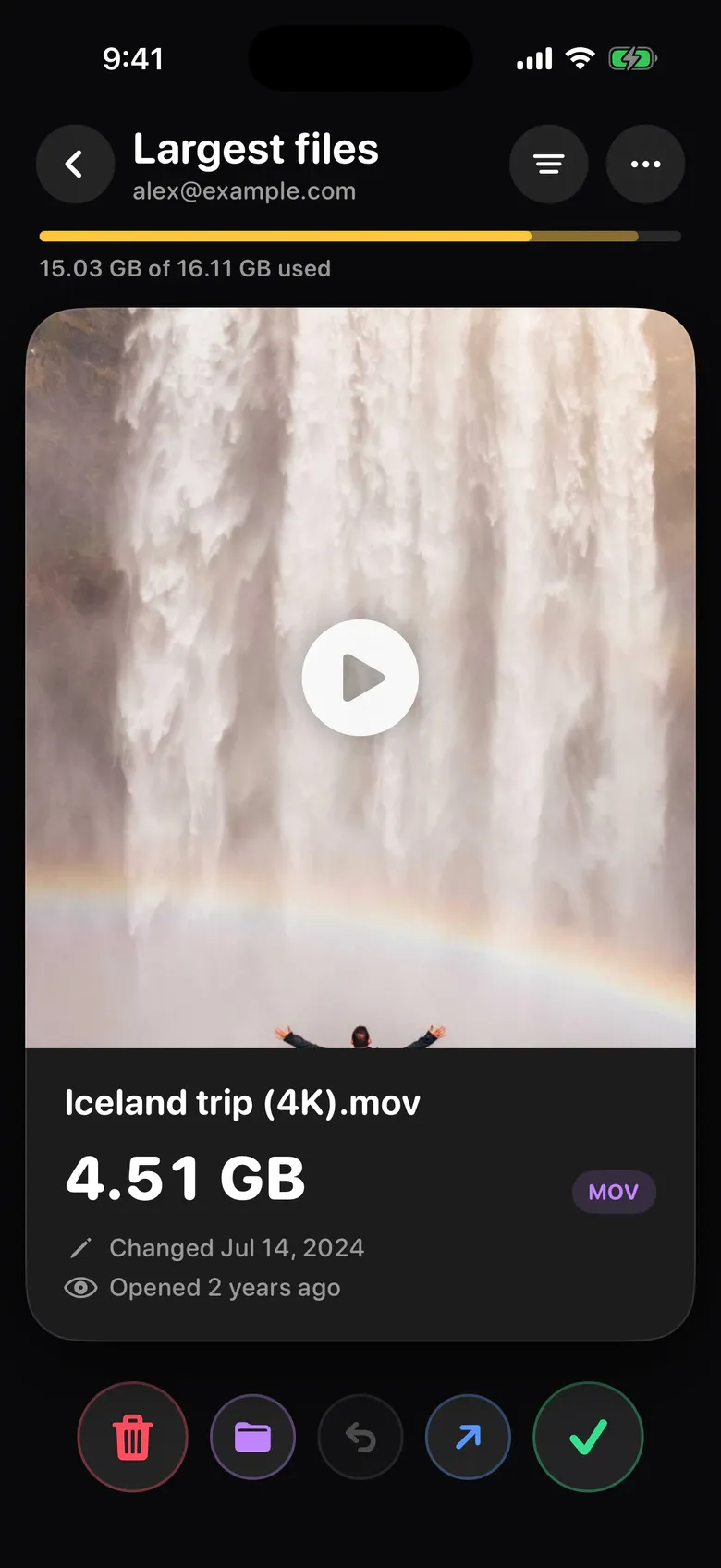
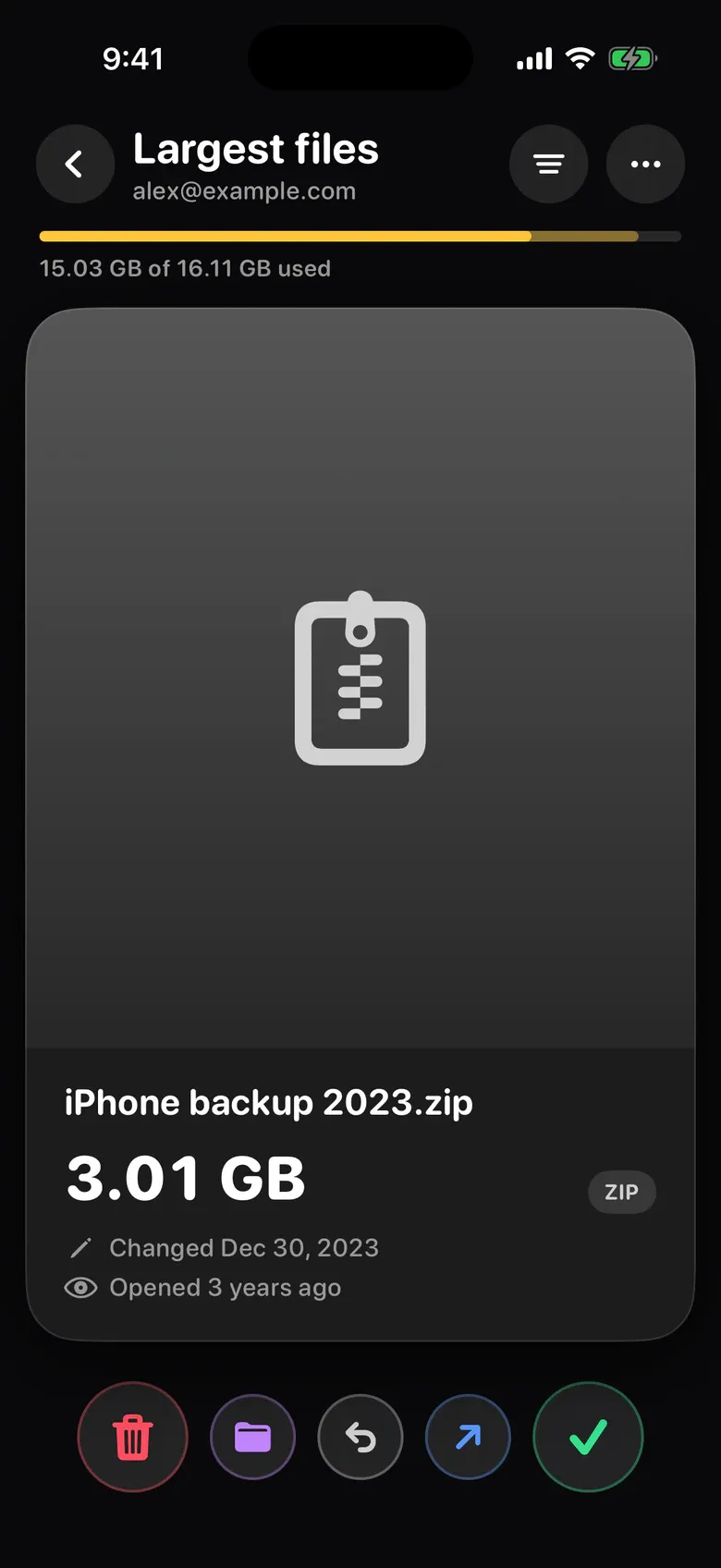
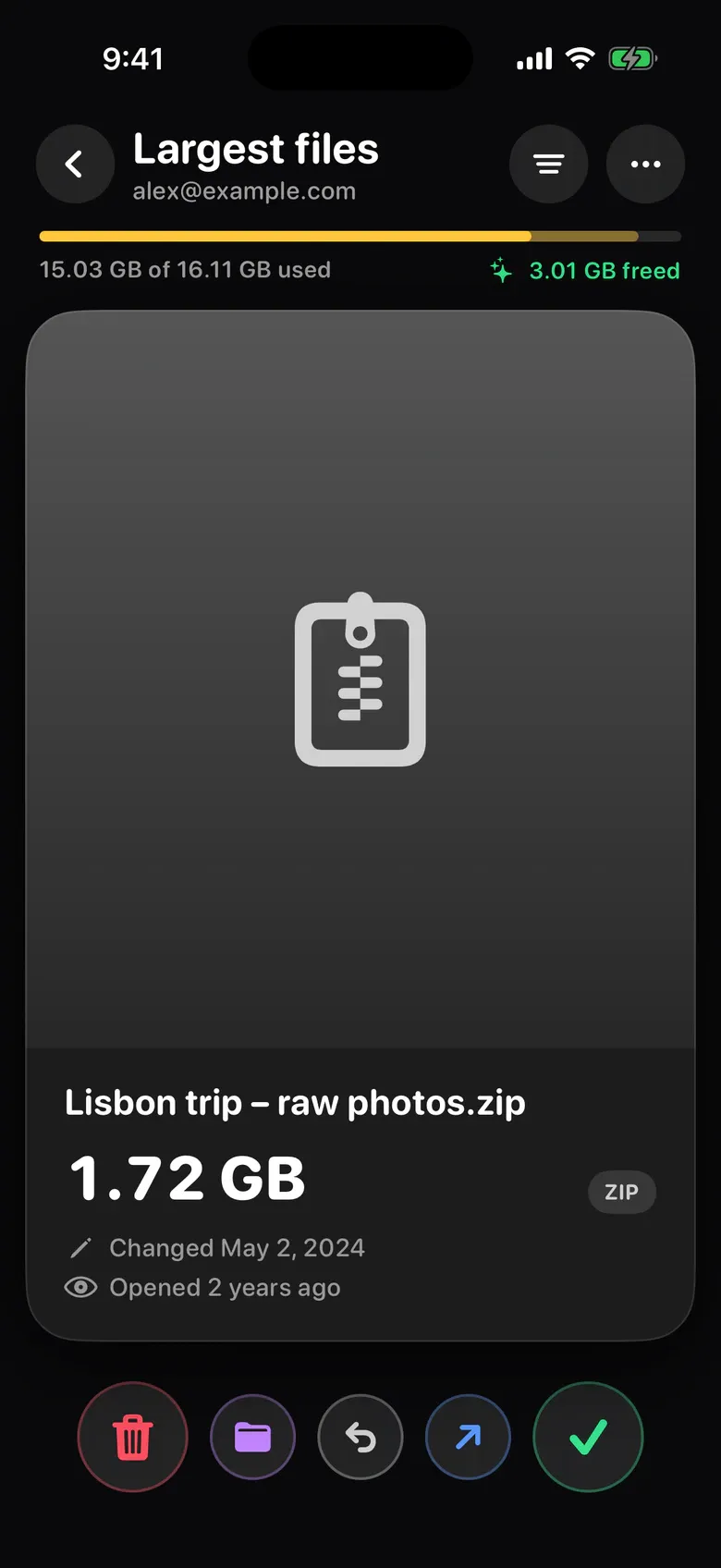
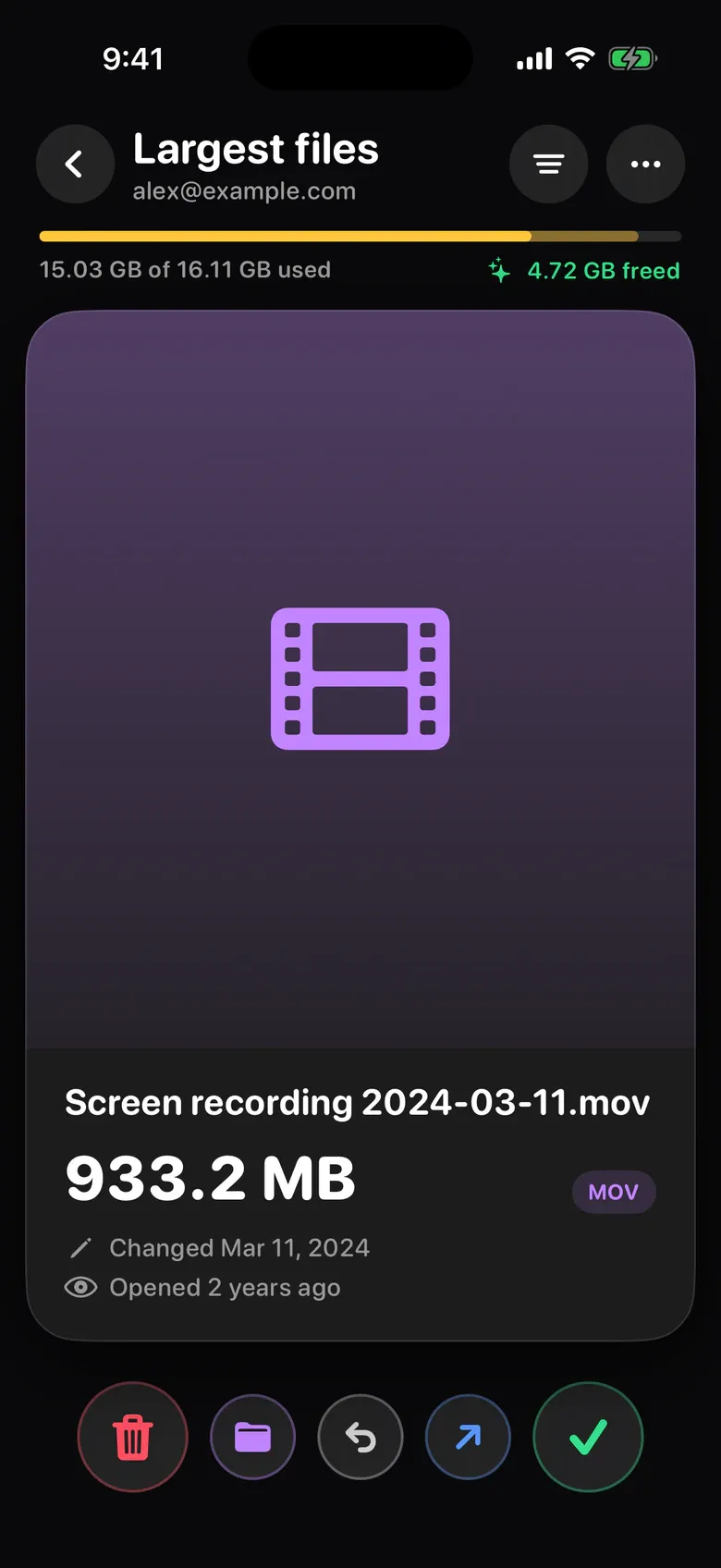
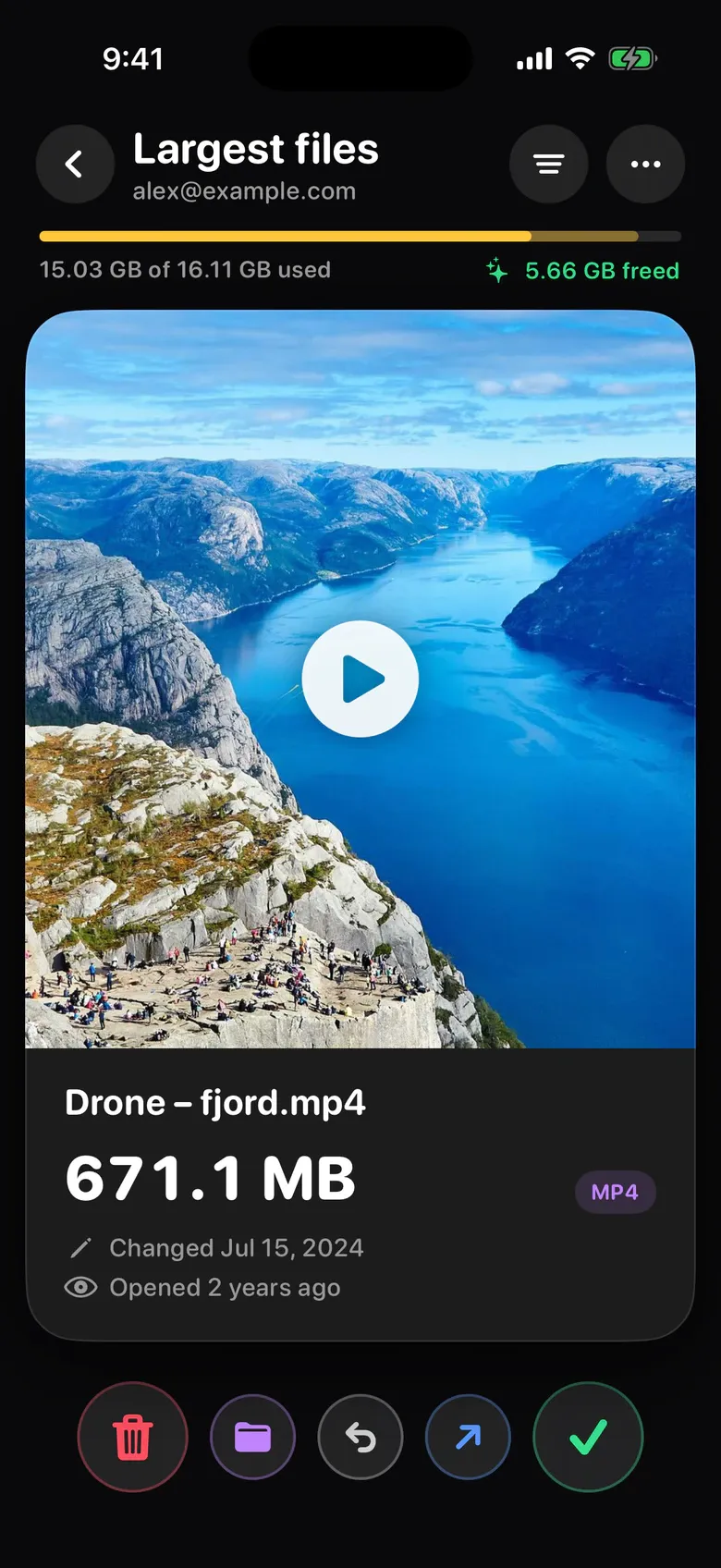
Your biggest files come first, next to a storage meter. Trash what you don’t need or move it to a folder. Gmail and Google Drive open in the app once Google finishes reviewing Sift, with no update needed.
Coming soon
Sift does its work on your phone. Gmail and Google Drive connect to Google straight from your phone, only when you ask them to.
Into Sift’s trash tray first, where you can still take them back. When you empty it, your phone moves them to its own trash (Recently Deleted on iPhone), which keeps them for a while before deleting them for good.
No. Sift looks at your photos on your phone itself, and they aren’t sent to us or anyone else.
It compares photos taken within a few minutes of each other, groups near-identical shots and bursts, and suggests the best one. Your favorites always stay.
Yes. The undo button brings back the last card, and nothing is deleted until you empty the trash.
Sift shows the merged contact before anything changes, and saves nothing until you review the list and apply it. After that, merges and deletions can’t be undone from Sift, so check the review first.
As soon as Google finishes reviewing how Sift connects to Google accounts. They open in the app on their own, without an update.
Yes. Left always deletes and right always keeps, in English, Hebrew, Arabic and Russian, just like the app icon: a red X on the left, a green heart on the right.
Any iPhone with iOS 17 or later. An Android version is coming soon.
Download Sift, open Photos & Videos and make your first swipe.
Coming soon onGoogle Play